
Updated
Add indicators
Eight indicators with TradingView-parity math, saved per chart.
Click ƒ Indicators in the chart header to open the catalog. Tick an indicator to add it; the badge on the button counts what’s on.
| Indicator | Default | Notes |
|---|---|---|
| Volume | 20-bar | On by default |
| EMA | 20 | |
| SMA | 20 | |
| Anchored VWAP | Session | ±2σ bands; anchors at the session start |
| Bollinger Bands | 20, 2 | Population standard deviation |
| RSI | 14 | Wilder smoothing, separate pane |
| MACD | 12, 26, 9 | EMA-seeded, separate pane |
| ATR | 14 | Separate pane |
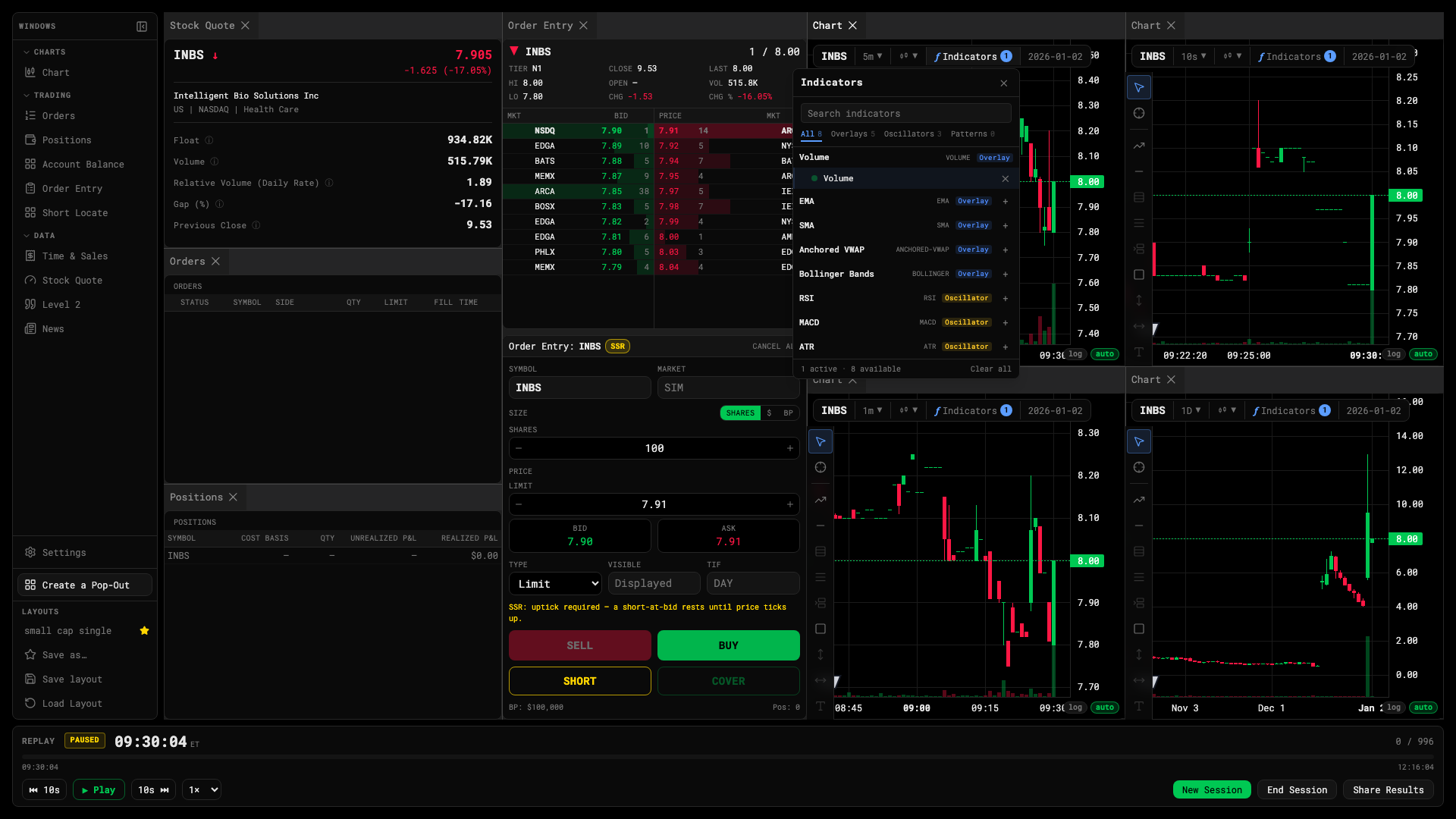
Indicator catalog
Per-chart, per-layout
Indicators belong to the chart window they’re on and are stored inside the layout. Two charts can carry different sets, and a saved layout brings its indicators back with it.