
End, share or restart a session
What happens when the day ends, and how to save the record or start over.
Ending
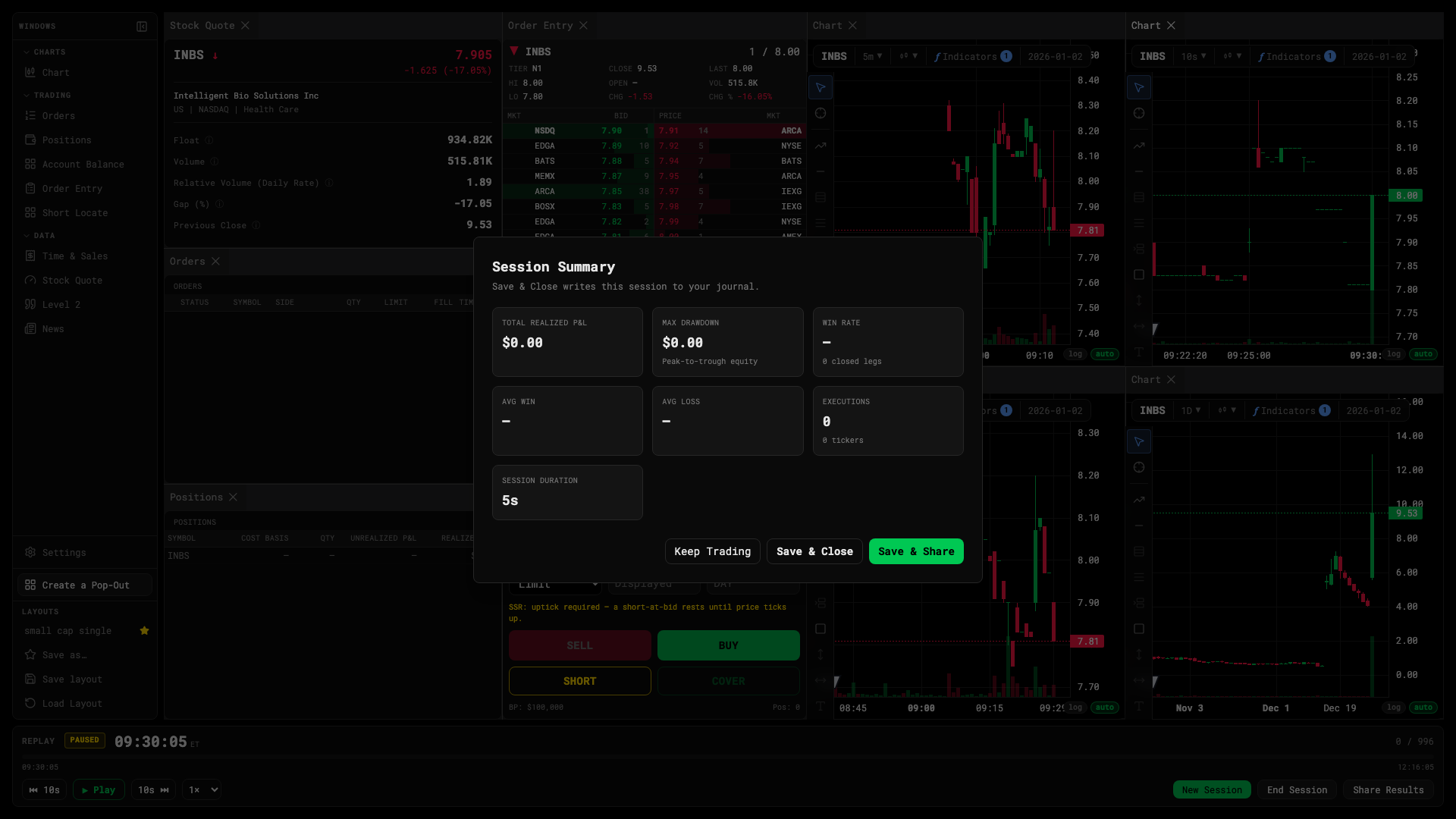
Press End Session on the replay bar, or let the tape run to 20:00 ET. Open positions are marked at the last NBBO and the session summary appears: realized P&L, trade count, win rate, max drawdown, average win and loss, duration, tickers traded.
Every ended session is written to your journal. It’s append-only — sessions are never edited after the fact.
Sharing
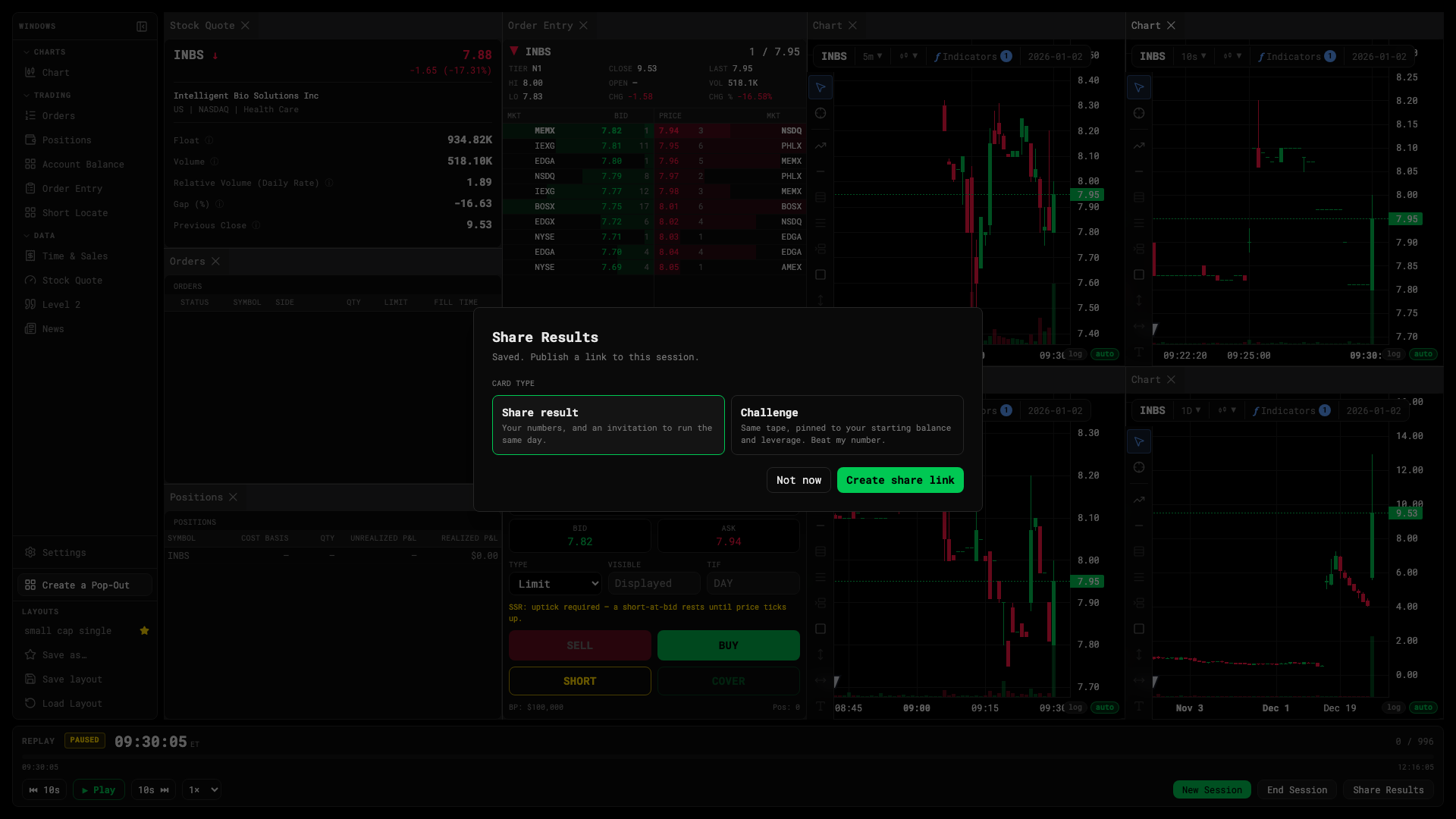
Share Results makes a public link with a recap card, a spectate player and an optional challenge. Details in Share cards and challenges.
Starting over
New Session returns you to the setup card. The layout, hotkeys and settings you had stay as they were.
Disconnects
If your connection drops mid-session the desk shows a reconnect overlay and reattaches to the same session automatically. Closing the tab ends the grace period after a few minutes; the session is then closed and journaled as-is.
Was this article helpful?
Related articles
- Transport controls — play, speed, rewindDrive the tape: play and pause, change speed, skip or scrub through the day.
- Share cards and challengesShare a session as a public recap, let others watch it back, or challenge them on the same tape.
- The trade journalA P&L calendar, day summaries, executions and career stats for every session you finish.