
Updated
Scanner Day
Replay the premarket as the scanners saw it, and drop onto any alert.
Instead of picking a name, pick a date. The desk replays the 07:00–09:30 ET premarket run-up and the two scanners fire exactly as they did live.
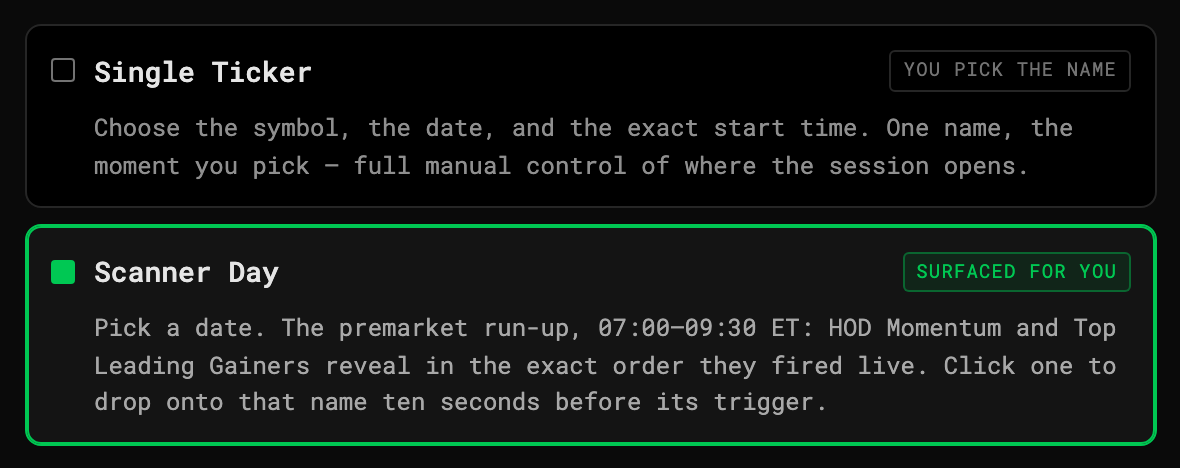
Scanner Day
The scanners
- High-of-Day Momentum — HOD breakouts: prior high, breakout price, breakout volume, % move.
- Top Leading Gainers — the day’s biggest movers, ranked, refreshed every 10 seconds.
Using it
- On the setup card choose Scanner Day and a date.
- The Alerts rail reveals hits as the clock crosses each trigger time, newest on top.
- Click an alert to engage that name ten seconds before its trigger — you see the setup, not just the print.
- A badge counts alerts that fired while you were on another name.