
Updated
Reading a fill and its slippage
Three NBBO snapshots, a latency draw and a slippage breakdown on every fill.
Right-click any filled row in Orders and choose View fill reasoning. It’s the flight recorder for that order.
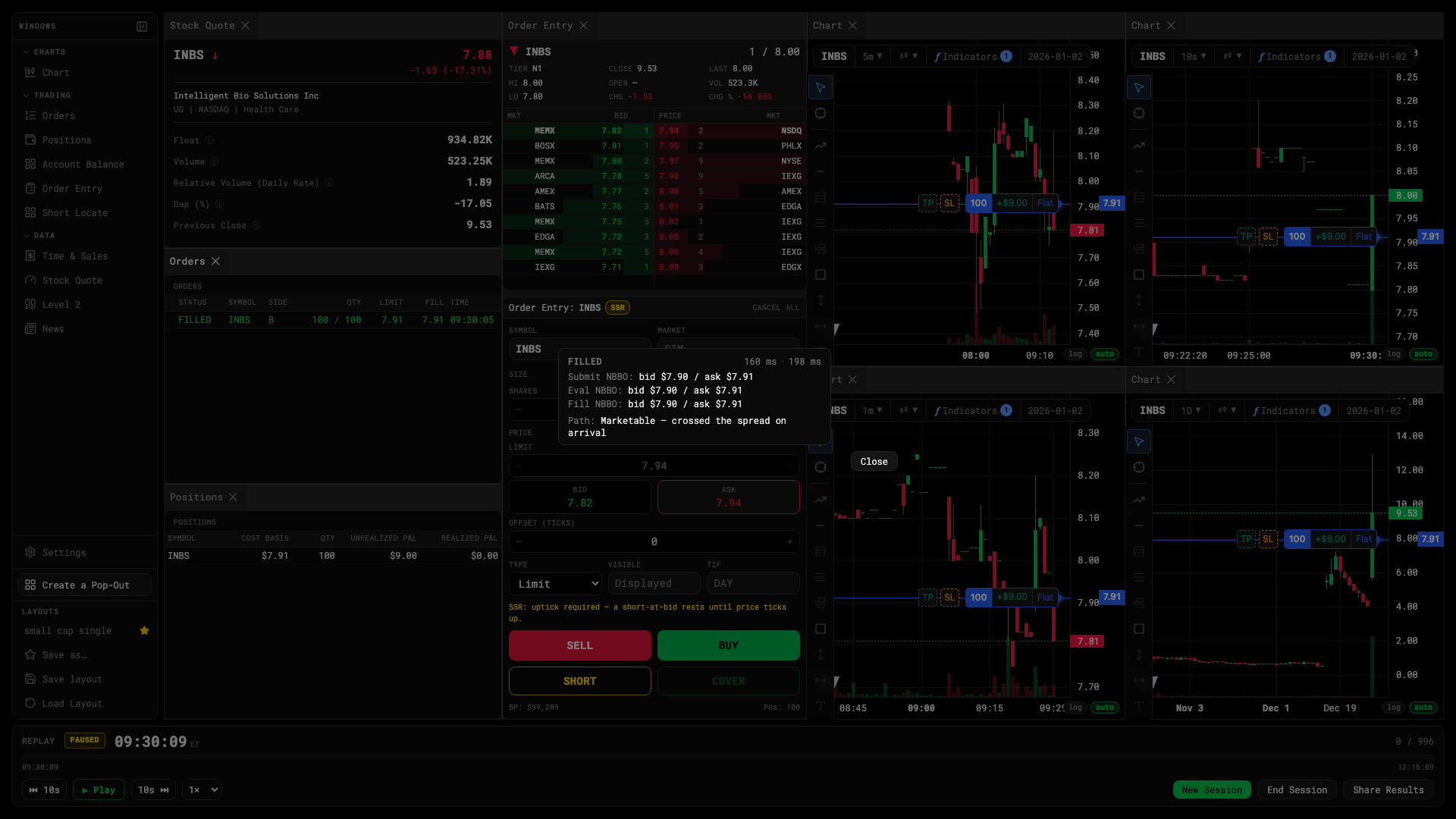
Fill reasoning
The three snapshots
| Snapshot | When |
|---|---|
| Submit NBBO | The quote on your screen when you pressed the button. |
| Evaluation NBBO | The quote when your order arrived — after the latency draw. |
| Fill NBBO | The quote at the moment of fill. |
The gap between submit and evaluation is what latency cost you. The gap between evaluation and fill is queue time.
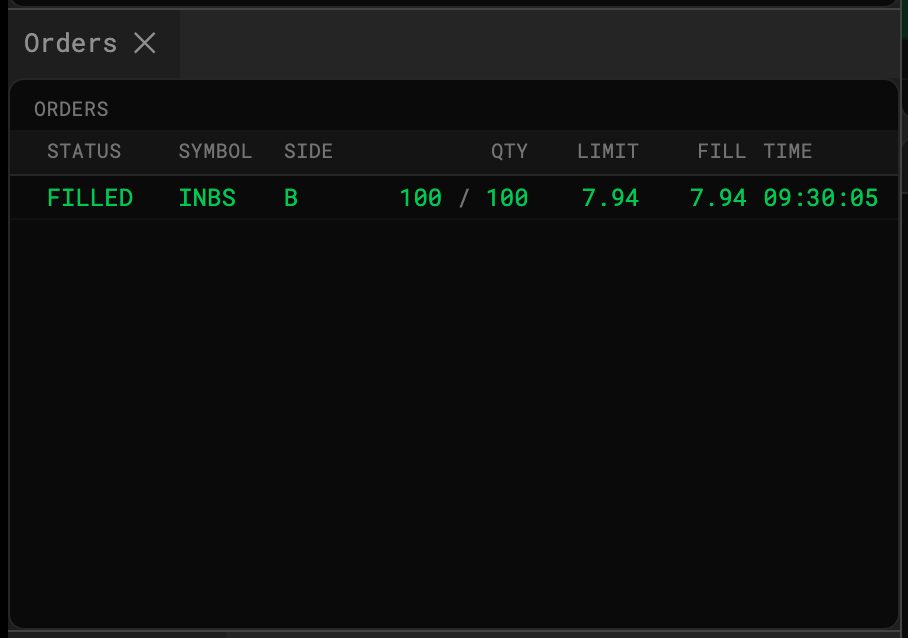
Fill path
- Marketable — your limit crossed the inside; filled immediately, walking the book if your size exceeded the inside size.
- Resting — your limit sat behind the queue until price came to it.
- Spillover — part of the order walked deeper levels.
- Cancelled / Rejected — never filled; the reason is shown.
Slippage, in basis points
- Chasing — the tape moved 20+ bps in the two seconds before your fill.
- Late entry — time-decay cost on a resting order that filled late.
- Spillover — cost of the levels you walked.